Settings and interface changes
A ClientSuccess update consolidating settings into one Settings menu, renaming user management to Team, splitting account management, and a new sign-in screen.

Settings
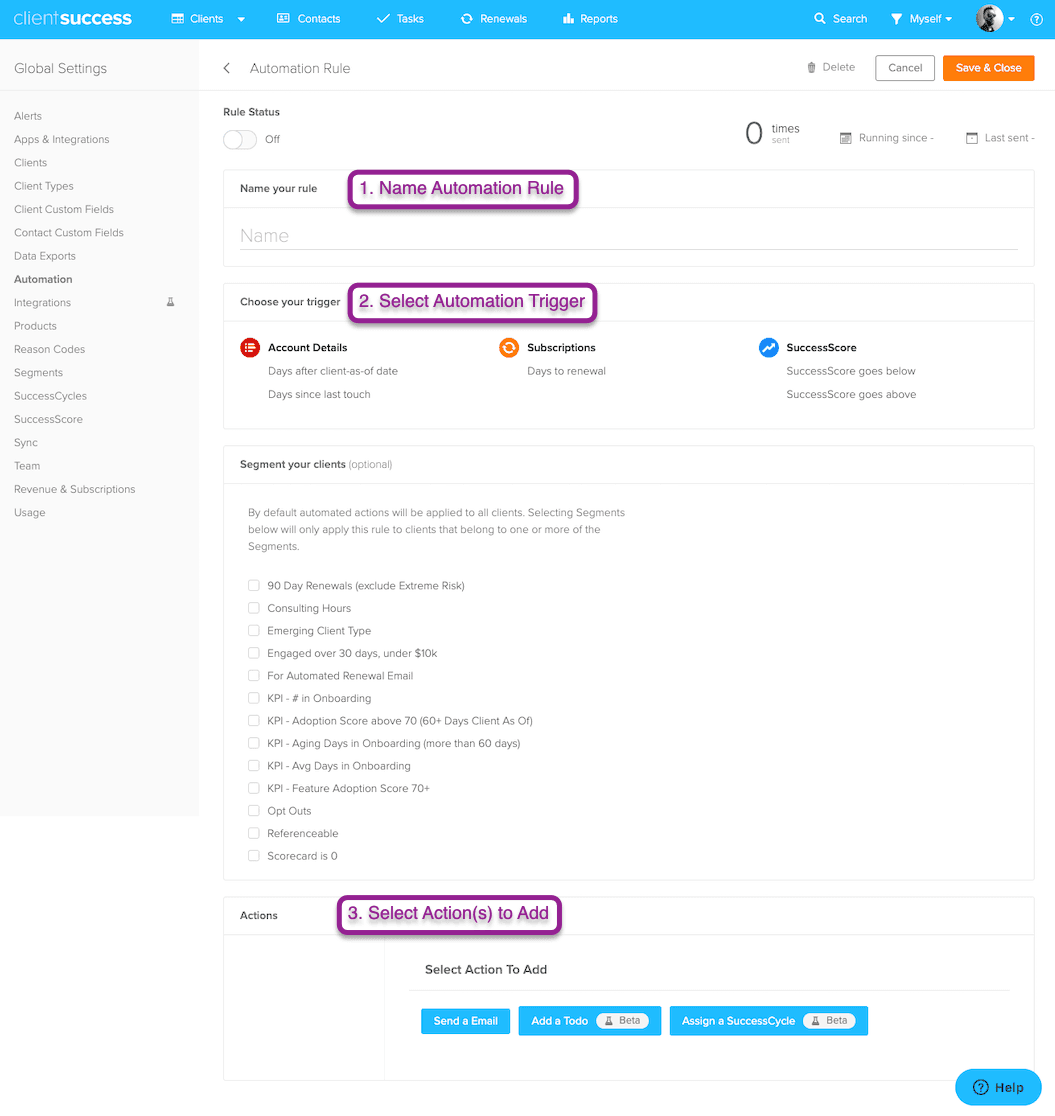
Individual settings screens have been collapsed into a menu item called "Settings."
The user management screen has been renamed to "Team."
Segment management is now it's own screen (instead of a tab under "Clients").
"Apps & Integrations" has been renamed to "Integrations"
Account
Account management has been broken out into three individual screens: Profile, Change password, and Email integration.
You can now drag and drop a file to add or change your profile photo.
Client records
If you have integrated with Salesforce, the Salesforce Account ID field is now required. This means that you will need that value in order to manually enter a new client or to save a client that was missing the ID before this change. This article explains where to find the Salesforce Account ID.
New sign-in screen
Some of you already saw this last week, but we have now officially launched a new sign-in screen.
Written by
ClientSuccess
Last updated
Share
Get more like this
Customer success insights, delivered to your inbox.