Company Default Currency and Other Enhancements
ClientSuccess adds a company default currency with nearly 100 options, international date and number formatting, and a new HubSpot integration for global teams.
TL;DR
- ClientSuccess added a company default currency setting, letting tenants display any of nearly 100 international currencies (including EUR, GBP, and CAD) across all pages and reports.
- The default currency is a display setting only; it does not apply conversion rates or enable multi-currency, which was still in development at the time.
- The same release added unified international date and number formatting plus a new HubSpot integration using the same field-mapping technology as the Salesforce integration.
We’re excited to announce a few quick product updates that drive our mission to provide the insights and experience you need to deliver customer success.
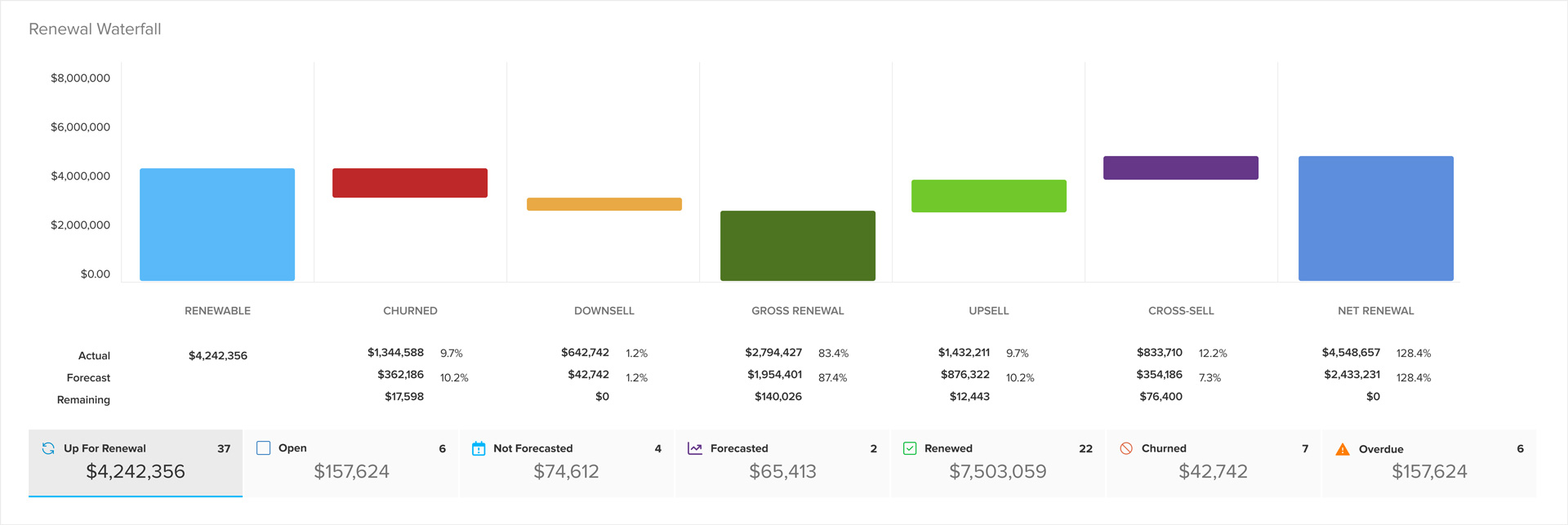
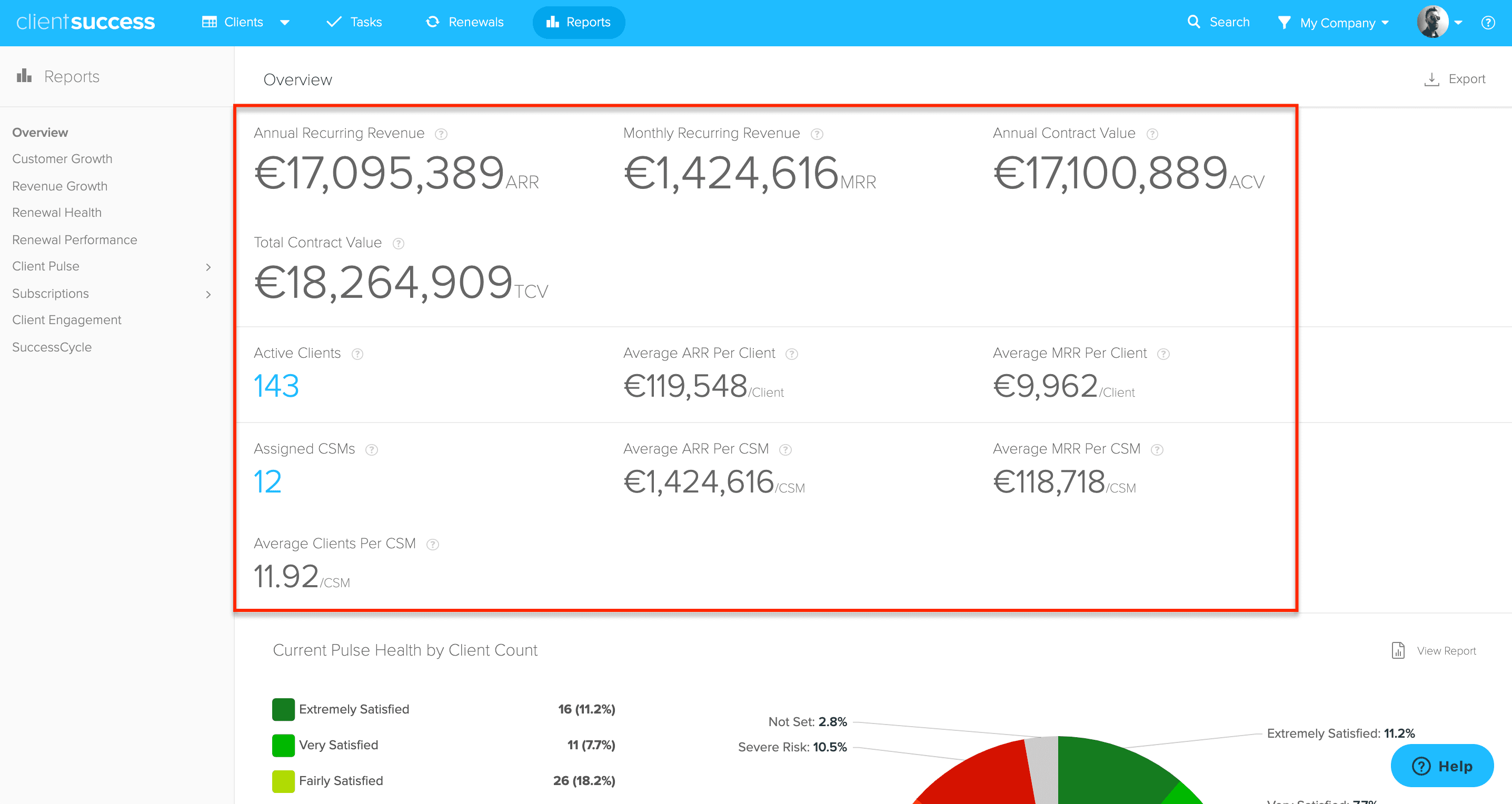
This release will help international businesses leverage dashboards and reporting in their localized currency and date/number formatting.
Company Default Currency
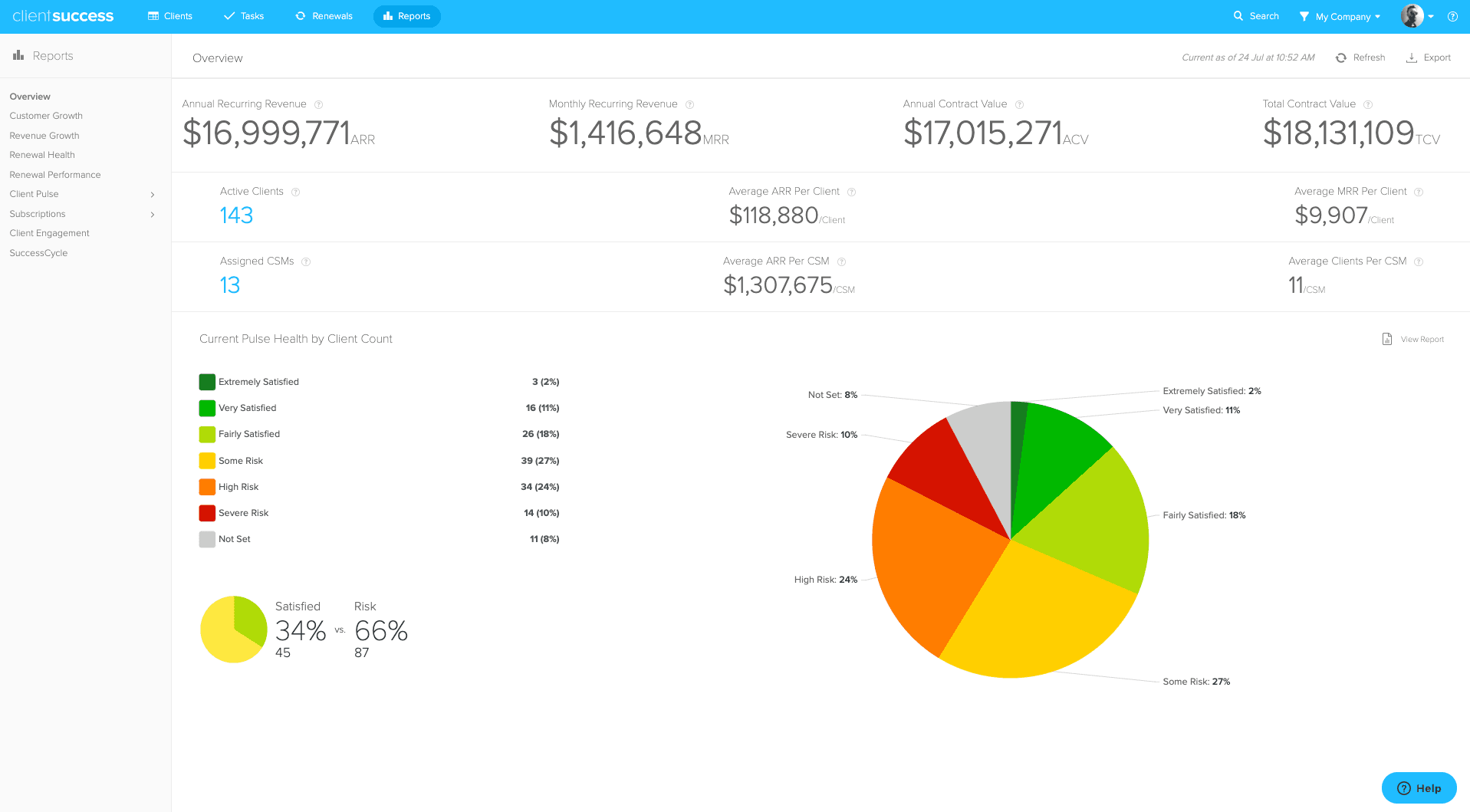
- Ability to choose from nearly 100 international currencies (including EUR, GBP, and CAD)
- Selected company default currency supported across ClientSuccess on all pages and reports
Notes: this is not multi-currency (in development), but rather the ability to change tenant-wide setting for how currency is displayed throughout ClientSuccess. Switching currencies does not include conversion rates. The settings location for Revenue & Subscriptions has also been moved under Global Settings that can be managed by those with Manager or Admin roles.
Date and Numerical Enhancements (including International Support)
- Refreshed formatting for dates (ie Aug 19, 2019) and numbers (ie currency, decimal, and percentages) are now unified throughout ClientSuccess
- Depending on browser and/or computer settings, ClientSuccess will now recognize international formatting (ie 19 Aug 2019) throughout the app
Continued Integration Enhancements
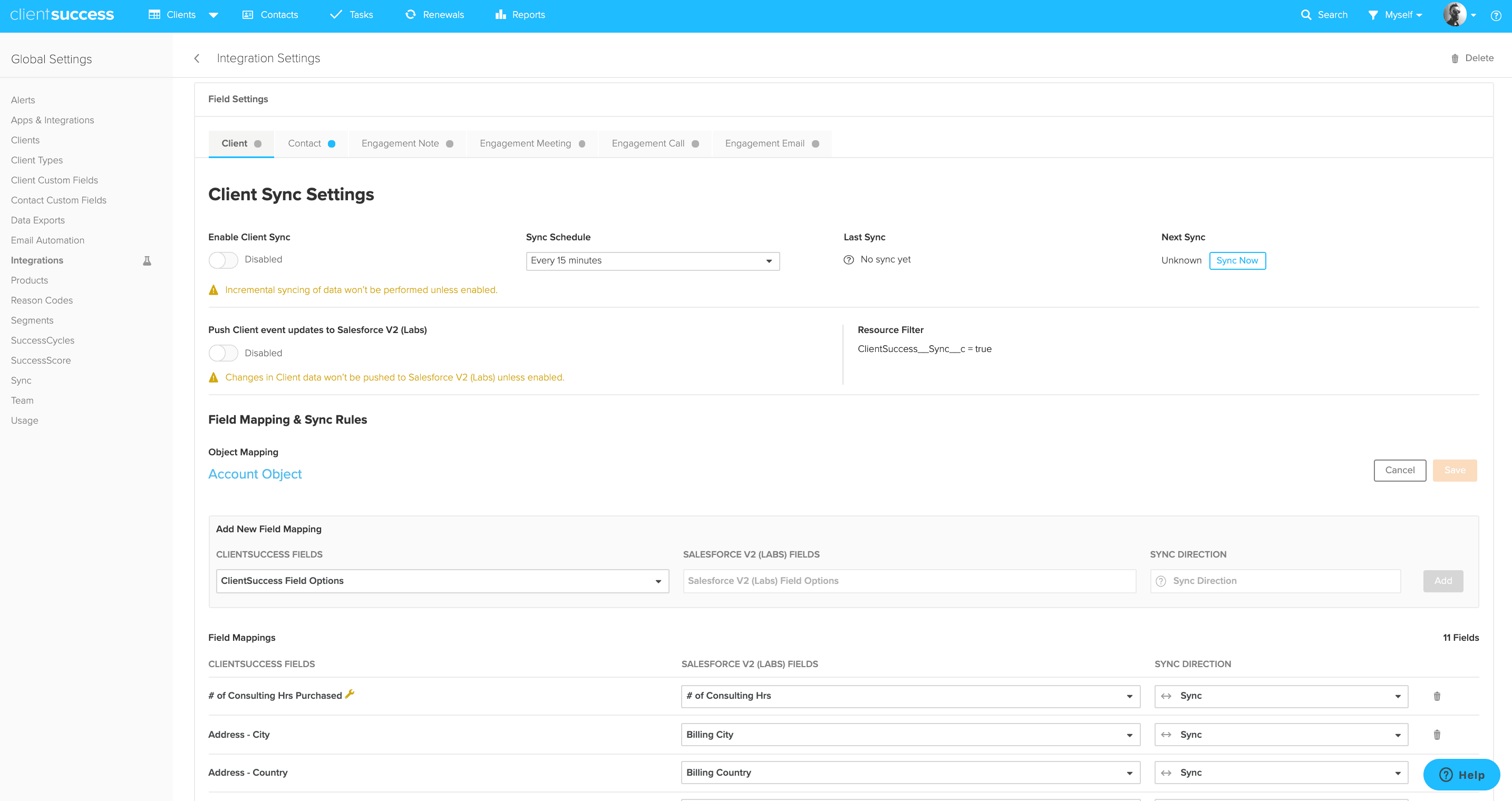
- With the recent launch of our new Salesforce Integration for ClientSuccess Client and Contact data, we’re excited to announce that a HubSpot Integration is also now supported utilizing similar field mapping technology
- Improved UI for managing the integration and its field mappings
- A Pipedrive Integration following the same technology is coming soon
Reminder for New Gmail Authentication Process
- We’ve recently completed Google’s newly instituted 3rd party app verification process
- To allow new ClientSuccess users to authenticate their Gmail accounts to ClientSuccess, your Gmail domain administrator must install our new Google ClientSuccess app
- Users will then authenticate as normal, under My Settings > Email Integration in ClientSuccess
- While this is not required for current customers, we recommend all clients on Gmail to install the app as soon possible
We hope you enjoy these enhancements and encourage you to check out our knowledge base, reach out to Support, or contact your CSM with any questions.
The ClientSuccess Team
Written by
ClientSuccess
Last updated
Share
Get more like this
Customer success insights, delivered to your inbox.