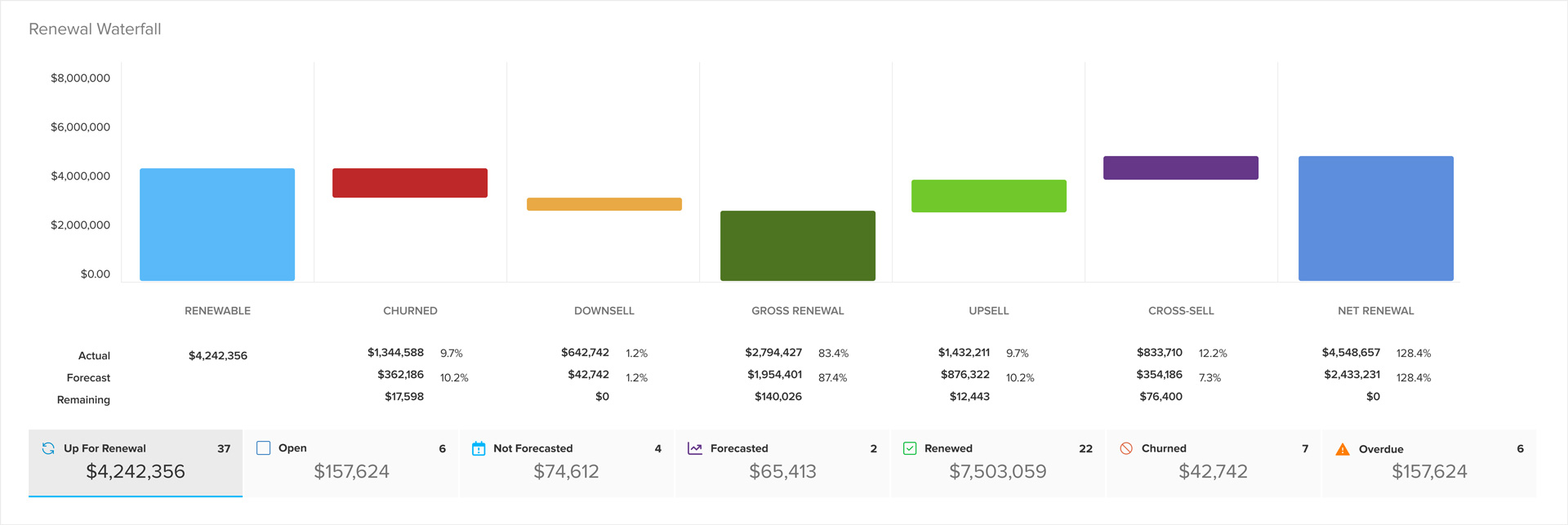
Role-based segmentation extended to alerts, tasks, and reports
ClientSuccess extended user, team, and company segmentation to alerts, tasks, renewals, and every report, giving each user a personal dashboard of their data.
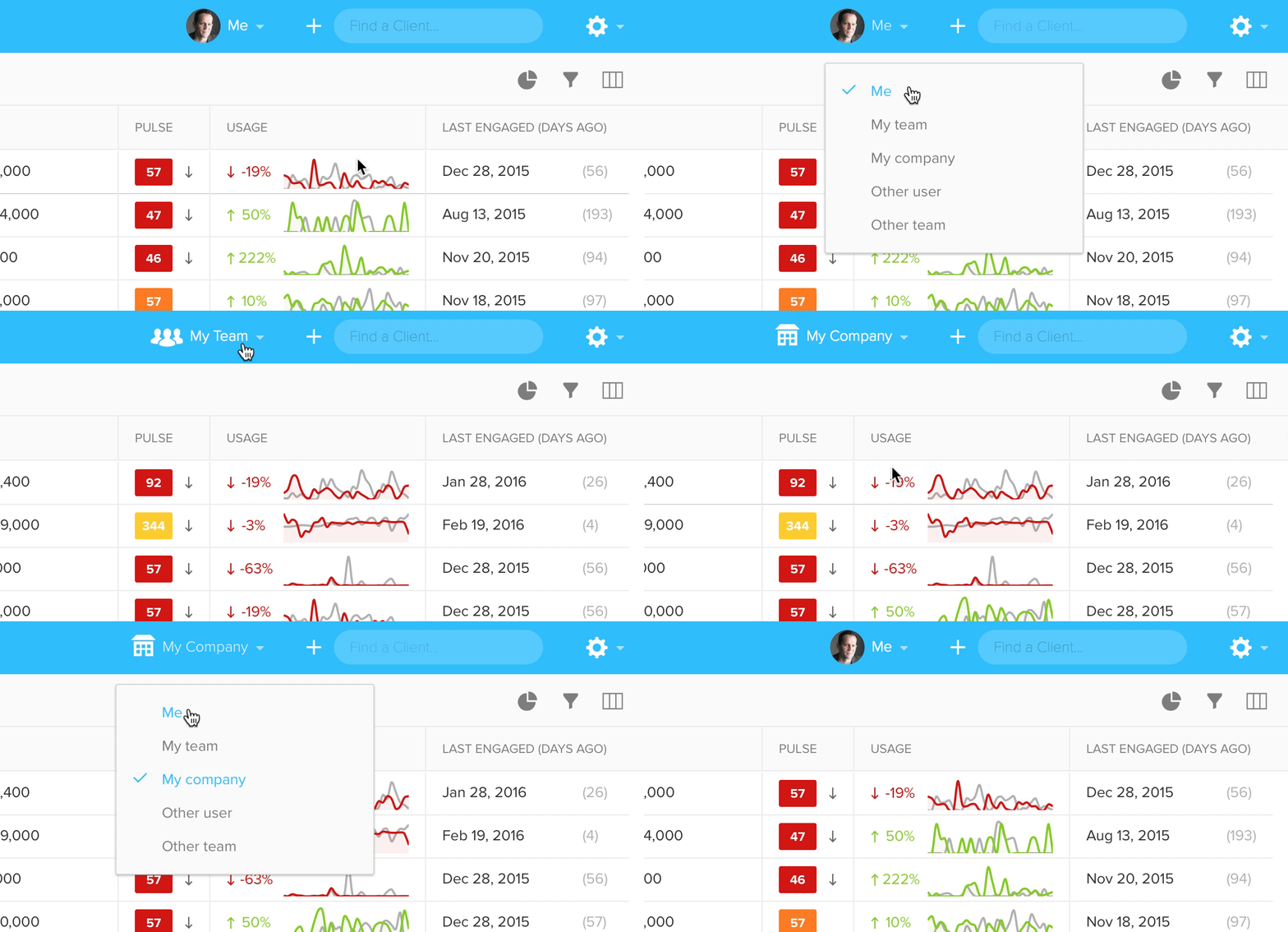
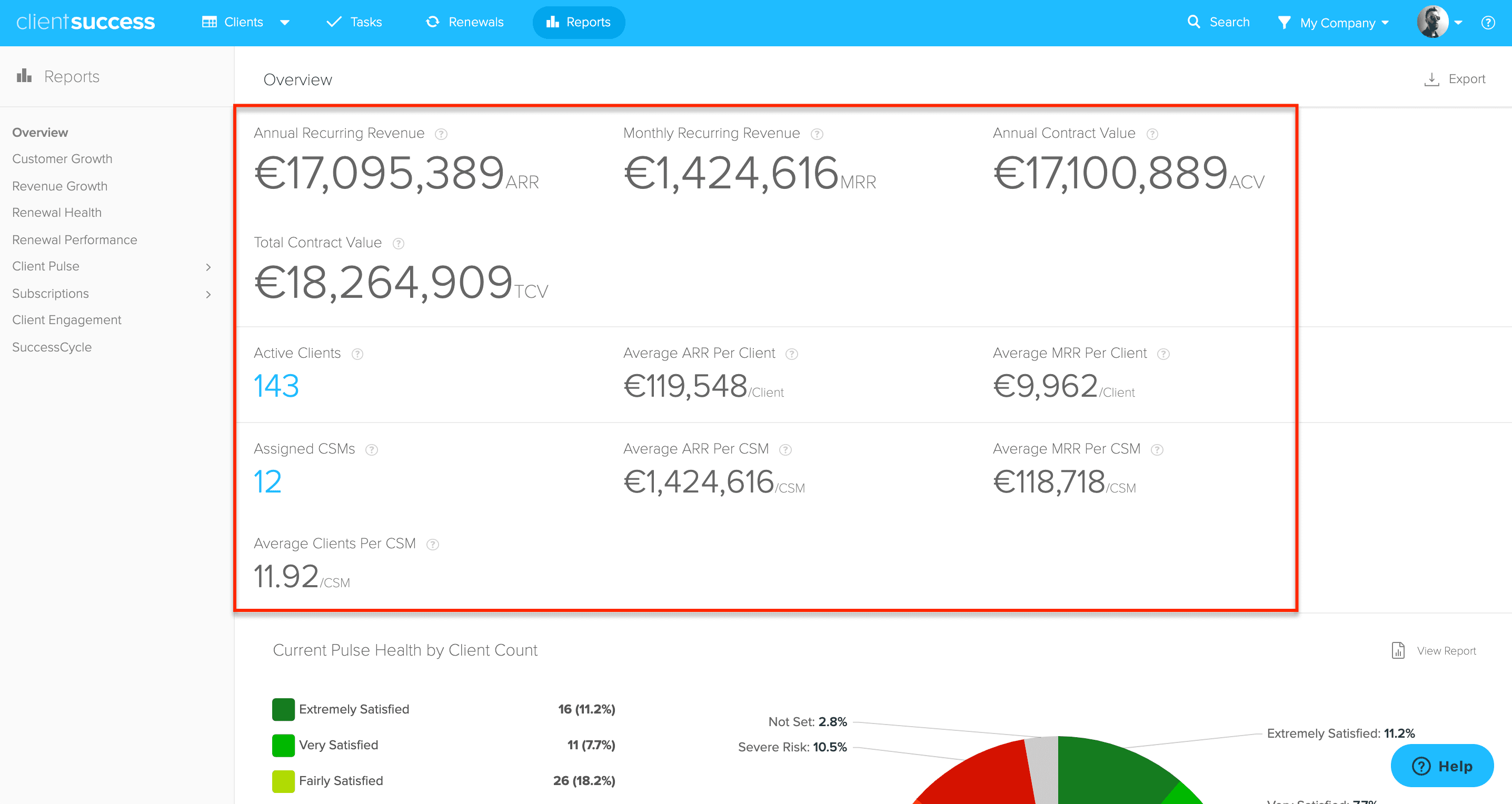
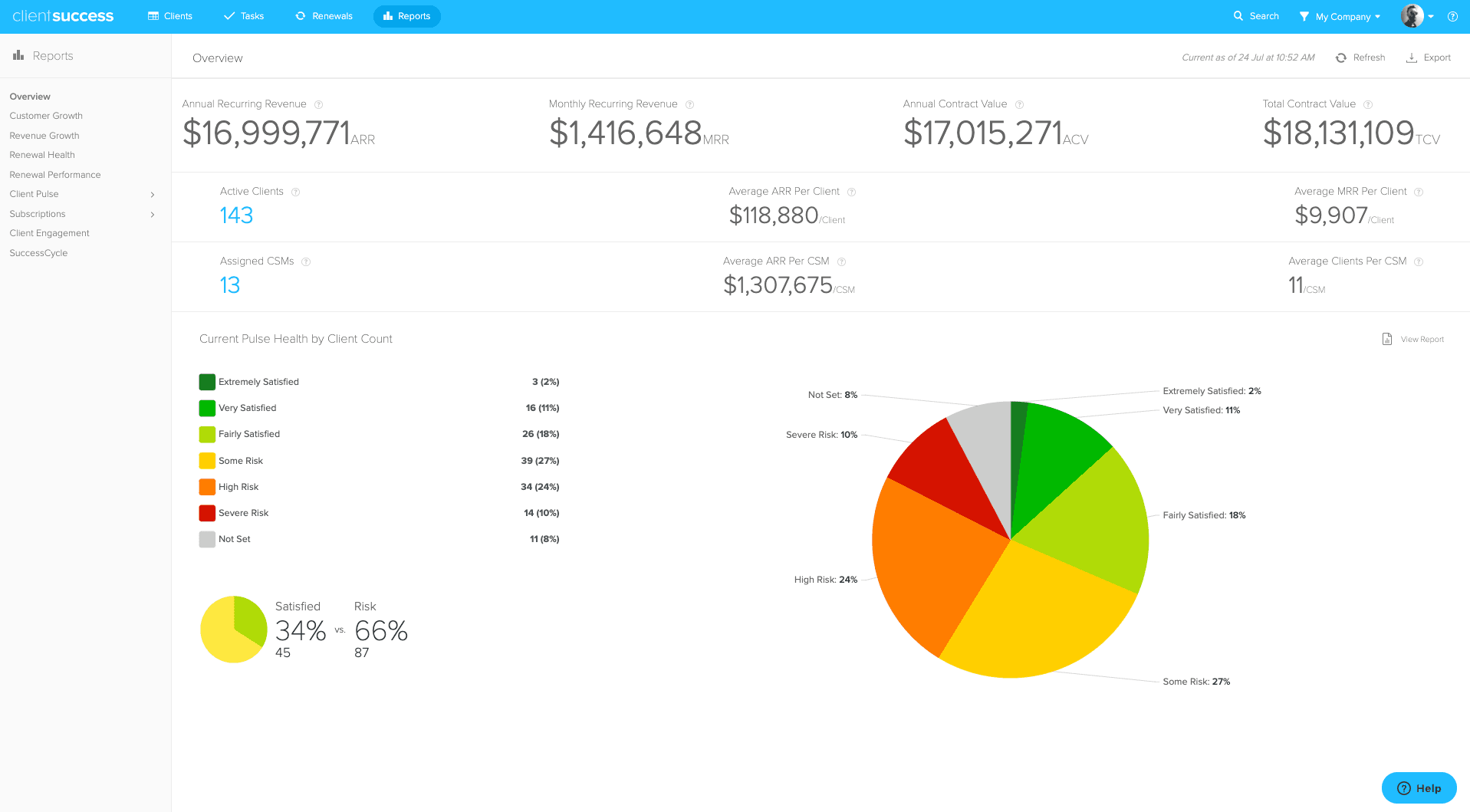
Role-based segmentation has been extended throughout the rest of the app. This means that the user, team, or company setting you have been using on the Clients screen, now affects alerts, tasks, renewals, and all of the reports. You now have a personal set of dashboards showing important metrics and dates, such as upcoming renewals, customer health, SuccessCycle progress, ARR, and churn rate for your own book of business.
Teams
Teams have also been simplified—making it easier to manage and providing more flexibility. A team is now a user and any team members assigned to them. This allows for unlimited hierarchy and should support the unique dynamics of your organization. If you're a manager or executive, you can now see individual team member's alerts, tasks, and reports. Imagine how awesome your next one-on-one and team stand-up will be.
Speed up
You should notice substantial performance improvements when using these filters throughout the app.
Check out all these screens again for the first time with your personal data:
- Renewals
- Overview
- Customer Growth
- Revenue Growth
- Growth Comparison
- Renewal Health
- Renewal Performance
- Client Pulse
- Risk Factors
- Client Engagement
- SuccessCycle
Written by
ClientSuccess
Last updated
Share
Get more like this
Customer success insights, delivered to your inbox.