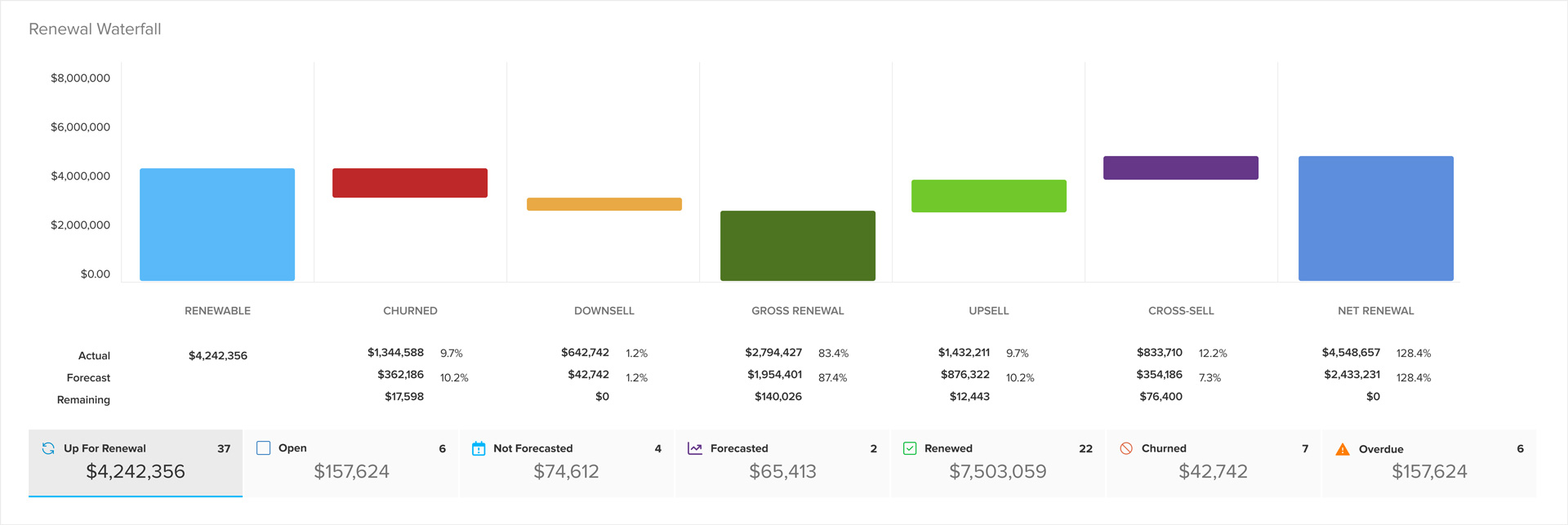
Renewals screen enhancements
The ClientSuccess Renewals screen now shows renewal, closed, and churned dates and sorts by them by default, so teams can track renewals in more detail.
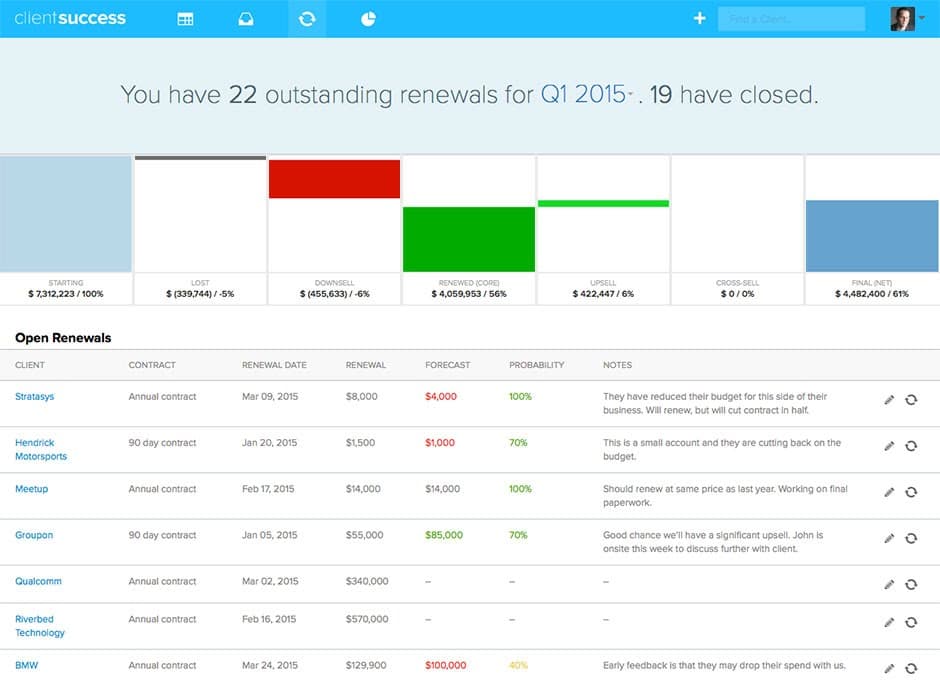
We have added the following dates to the Renewals screen:
- Renewal date (under Open Renewals)
- Closed date (under Closed Renewals)
- Churned date (under Churned)
The table is also sorted by these dates by default. This will help you track upcoming and closed renewals in more detail and more easily see the order that they are progressing through your pipeline.
Written by
ClientSuccess
Last updated
Share
Get more like this
Customer success insights, delivered to your inbox.