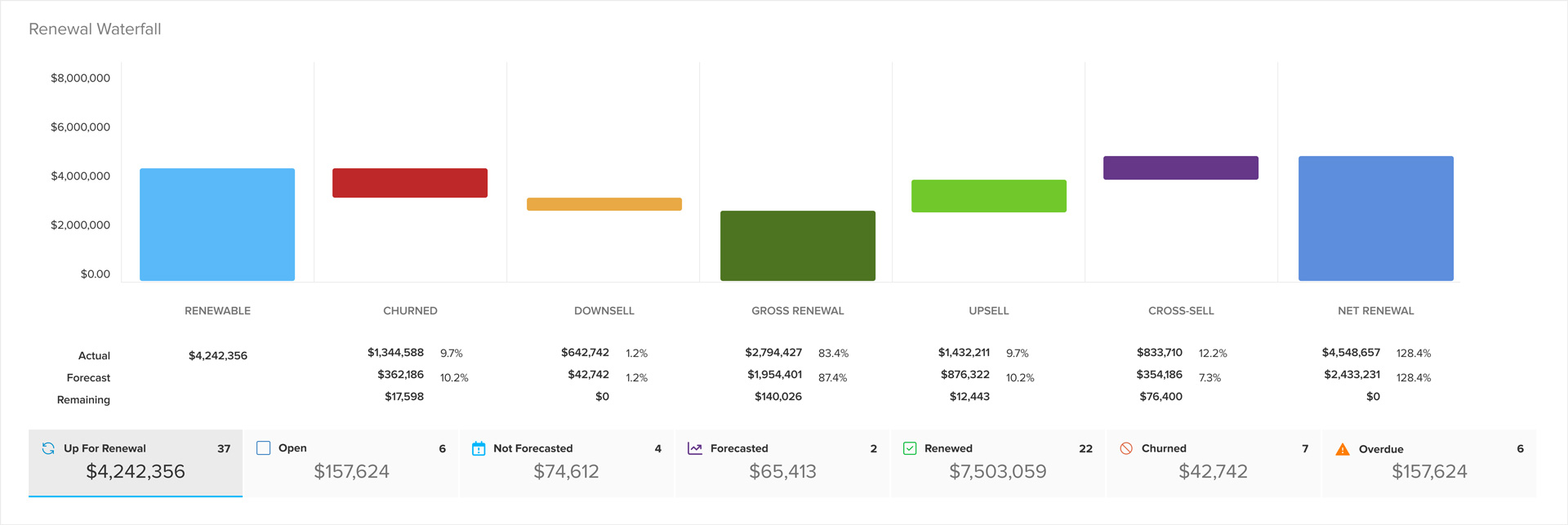
New SuccessCycle builder
The new SuccessCycle builder lets you create custom cycle templates by typing a list, with drag-and-drop reordering, relative due dates, and attachments.
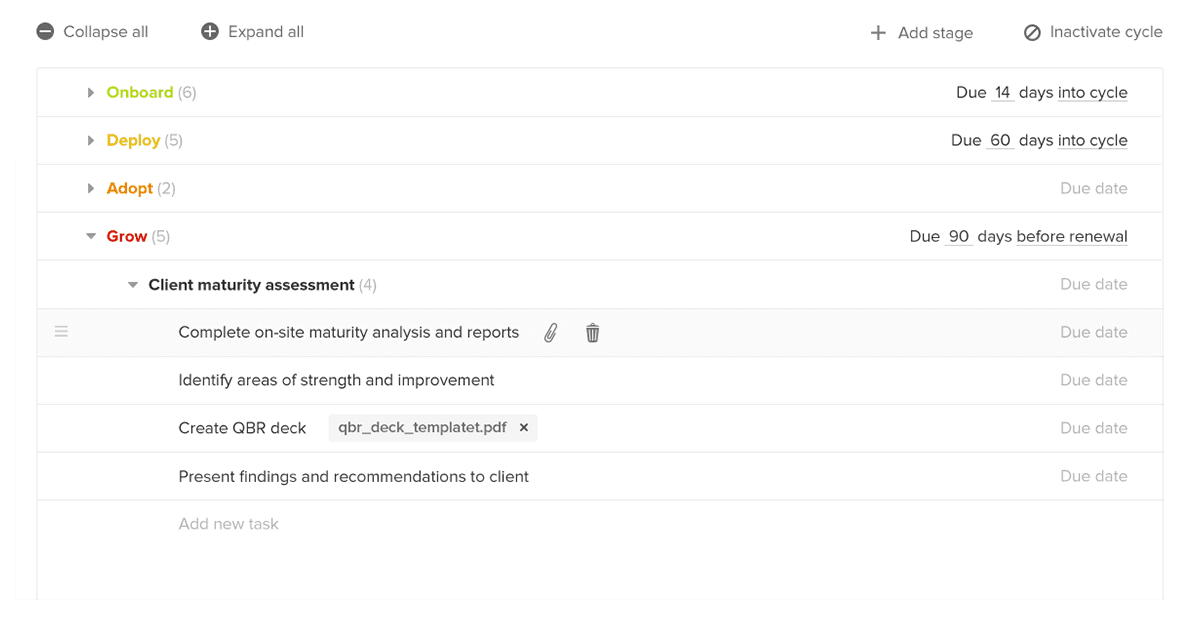
Creating the templates for this new experience just got ridiculously easy as well. A new, powerful, streamlined builder allows you to create these custom SuccessCycles with the ease of typing a list—with the option to set relative due dates and attach documents.
Key new features include:
- Drag and drop to reorder individual tasks and activities, or entire stages
- Set relative due dates (x days from cycle start or from approaching renewals)
- Attach documents to ensure that your team is always using the right prompt or template
- Easily create, update, and refine as many cycle templates as needed
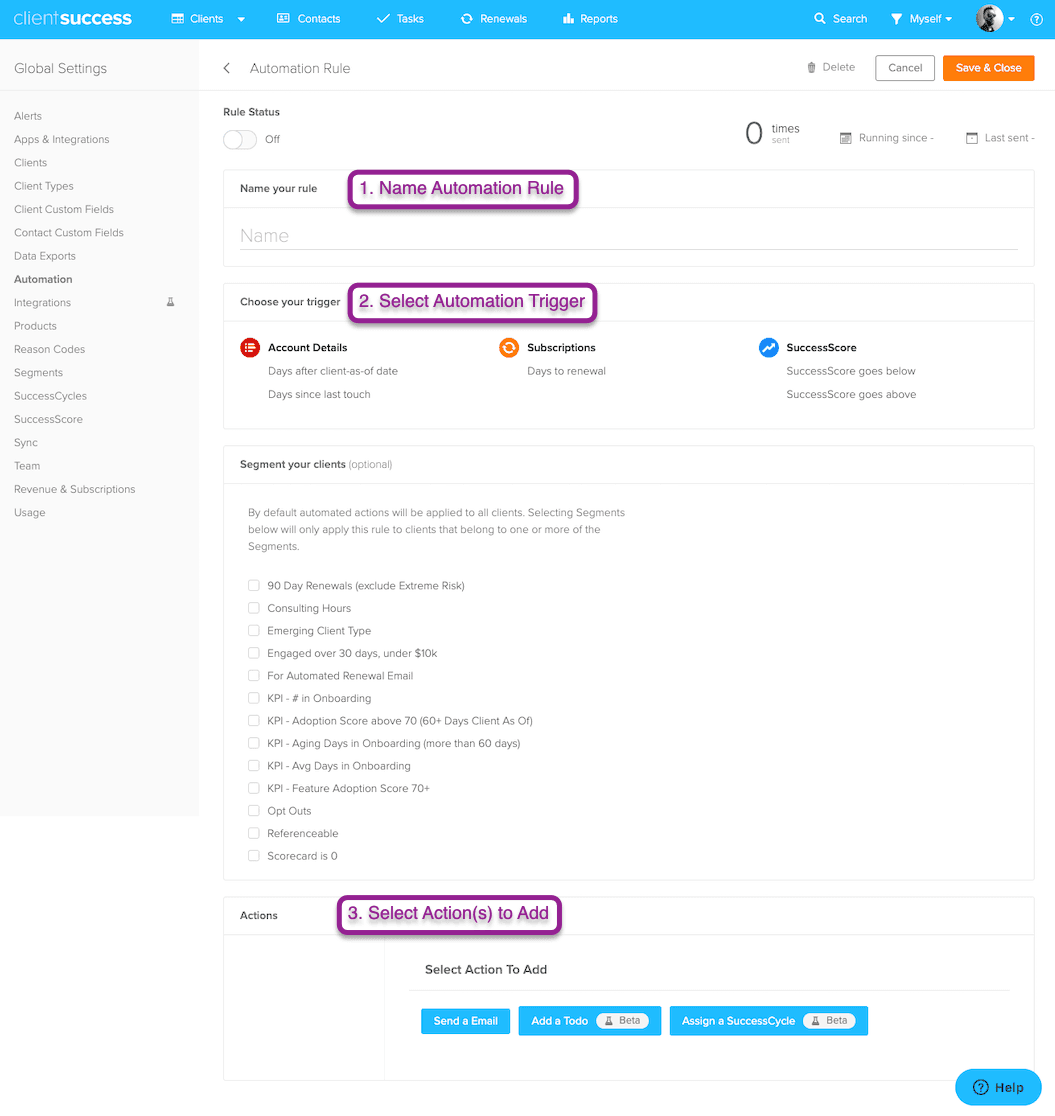
- Chain cycles together for seamless transition from one to the next as they are completed
- Assign cycles to segments and select defaults
Written by
ClientSuccess
Last updated
Share
Get more like this
Customer success insights, delivered to your inbox.