Introducing role-based segmentation
ClientSuccess introduces role-based segmentation, so CSMs see only their own clients by default and can switch views across their team, company, or other users.
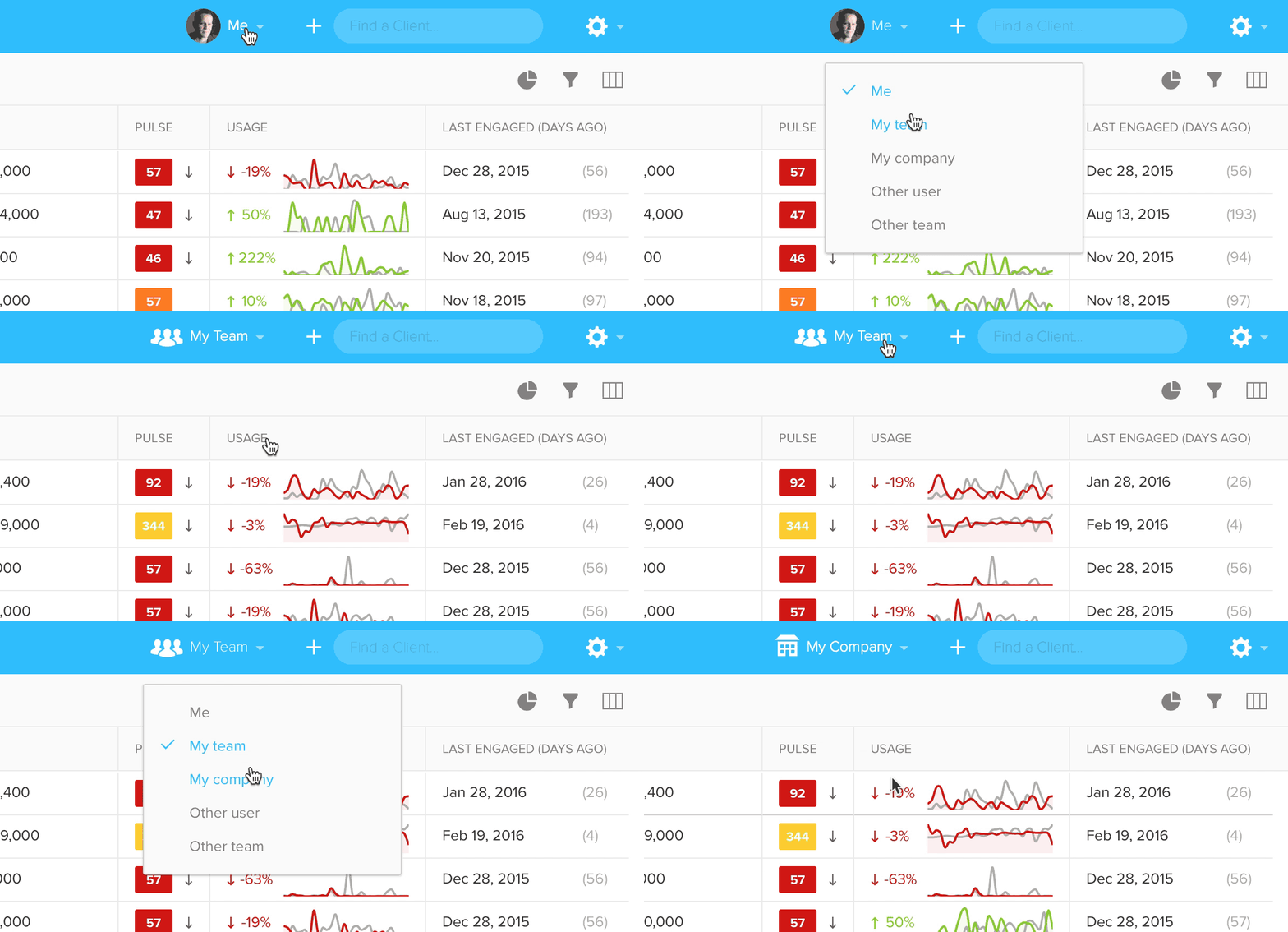
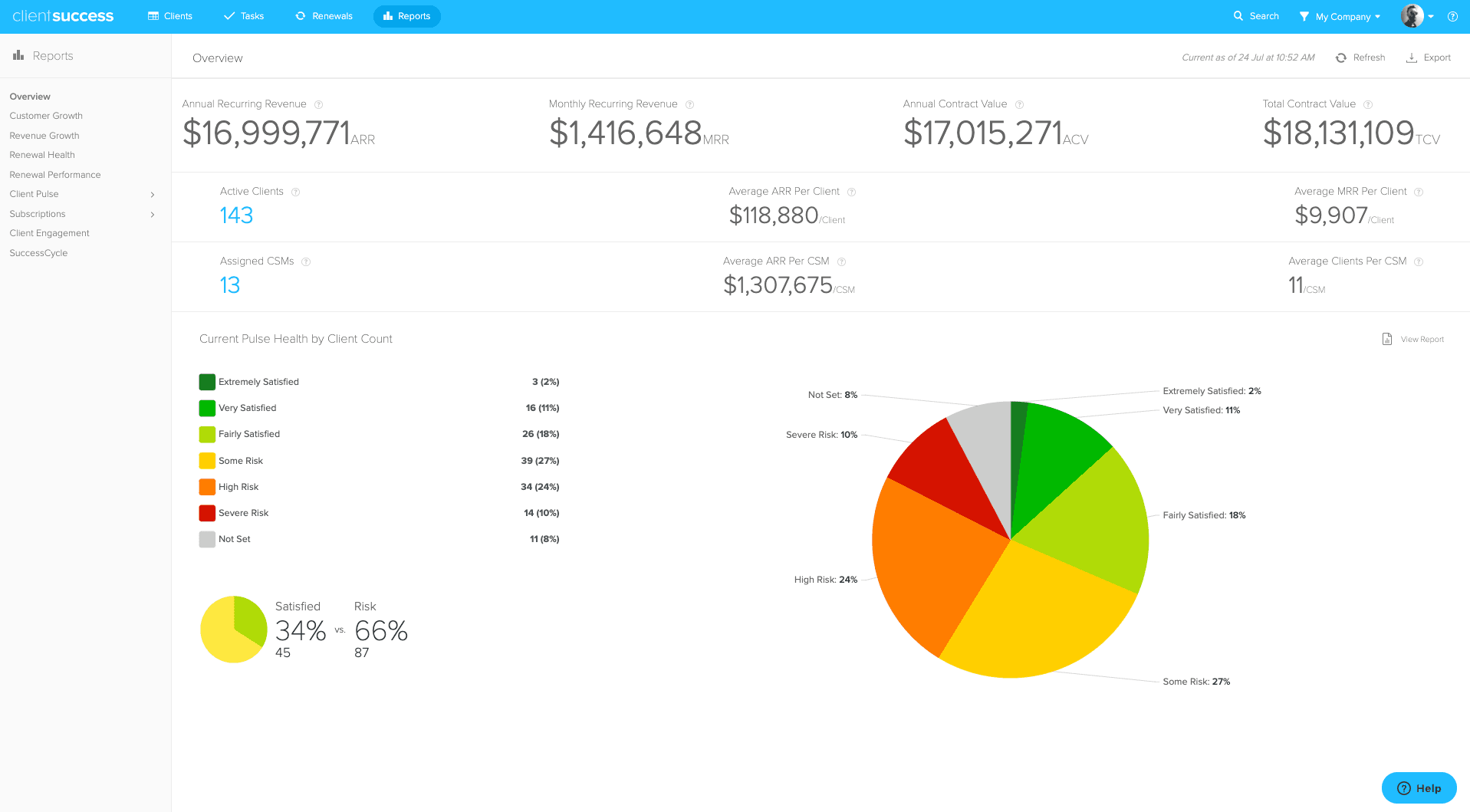
Today we introduced role-based segmentation. This new feature filters the clients to just those you're responsible for. This means that unless you're a manager or executive, you'll now only see your clients by default. You're welcome.
We have also freshened up the main navbar. Your photo has been moved to the left of the search box and now indicates the scope of what you are seeing. Clicking it, reveals a menu where you can switch between "Me," "My team," "My company," or even other users and teams. Teams are groups of users that are assigned to the same Manager.
If you had previously set up a custom Segment for your clients, you'll likely want to delete that, as this new feature provides the same functionality in a better way.
Written by
ClientSuccess
Last updated
Share
Get more like this
Customer success insights, delivered to your inbox.