Additional Tasks Screen Enhancements and Other Updates
A ClientSuccess product update with Tasks screen enhancements, clearer SuccessCycle hierarchy, clickable client names, and improved admin and usage controls.

Additional Tasks Screen Enhancements
In a continued effort to improve the tasks screen, we've enhanced the following functionality:
- Emphasis on task name
- Client name highlighted as a clickable link
- SuccessCycle Activities and Tasks display hierarchy paper trail (ie SuccessCycle / Activity / Task)
- Added item type icon to indicate tasks type; same icon added to "Show" filters
- Swapped checkboxes for circles to better indicate the action of completing an item
- Removed "•••" and replaced with "??"
- Improved style of custom date selector
- Added hover styles to editable items
- General performance improvements
As a reminder, please check out other recent enhancements from last week's Redesigned Tasks Screen and Task Management Enhancements announcement.
Other Updates
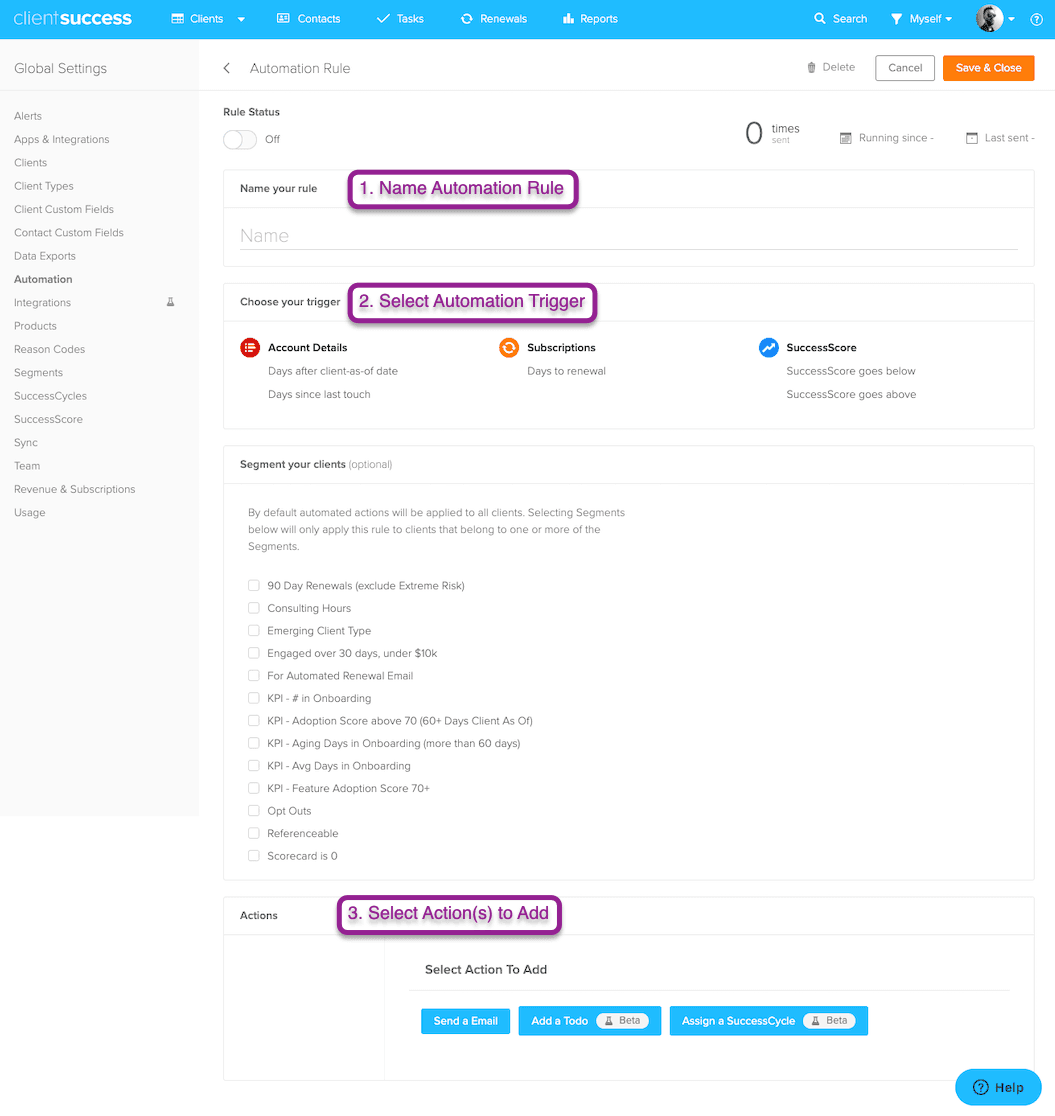
- Admins now have the option to send (or not send) an invite email when adding team members
- Added a toggle switch for the Usage app under Global Settings > Apps & Integrations
- Changed all "delete" flash messages to confirm dialogs (so you don't have to race to confirm)
Written by
ClientSuccess
Last updated
Share
Get more like this
Customer success insights, delivered to your inbox.